





5 signs your attendance records are slipping (and how to spot it in the data)



Attendance doesn’t slip away all at once. It goes minute by minute: here a late arrival recorded ten minutes earlier, there overtime when nobody was left on the shop floor. You won’t see it on the payslip, but you will see it in the attendance data. You just need to know where to look.
First, extract the data
You do not need any special software for any of the things we describe below. All you need is an export of arrival and departure times covering two to three months, ideally with timestamps accurate to the second, the terminal ID, and information on whether the record was logged by the terminal or entered manually. If you also have an access control system, add its events for the same period.
One month is not enough. A coincidence looks like a pattern until you see whether it repeats in the following weeks. After three months, random variations disappear and what remains is what happens regularly.
1. Arrivals like clockwork
Paradoxically, the first warning sign is attendance that is too perfect. An employee arrives every day at exactly 7.00 am and leaves at exactly 3.30 pm, week in, week out, without a single minute’s deviation. Real people aren’t like that. Sometimes they’re held up in a traffic jam; other times they arrive early because someone gave them a lift. In the terminal records, the times naturally vary by a few minutes in either direction.
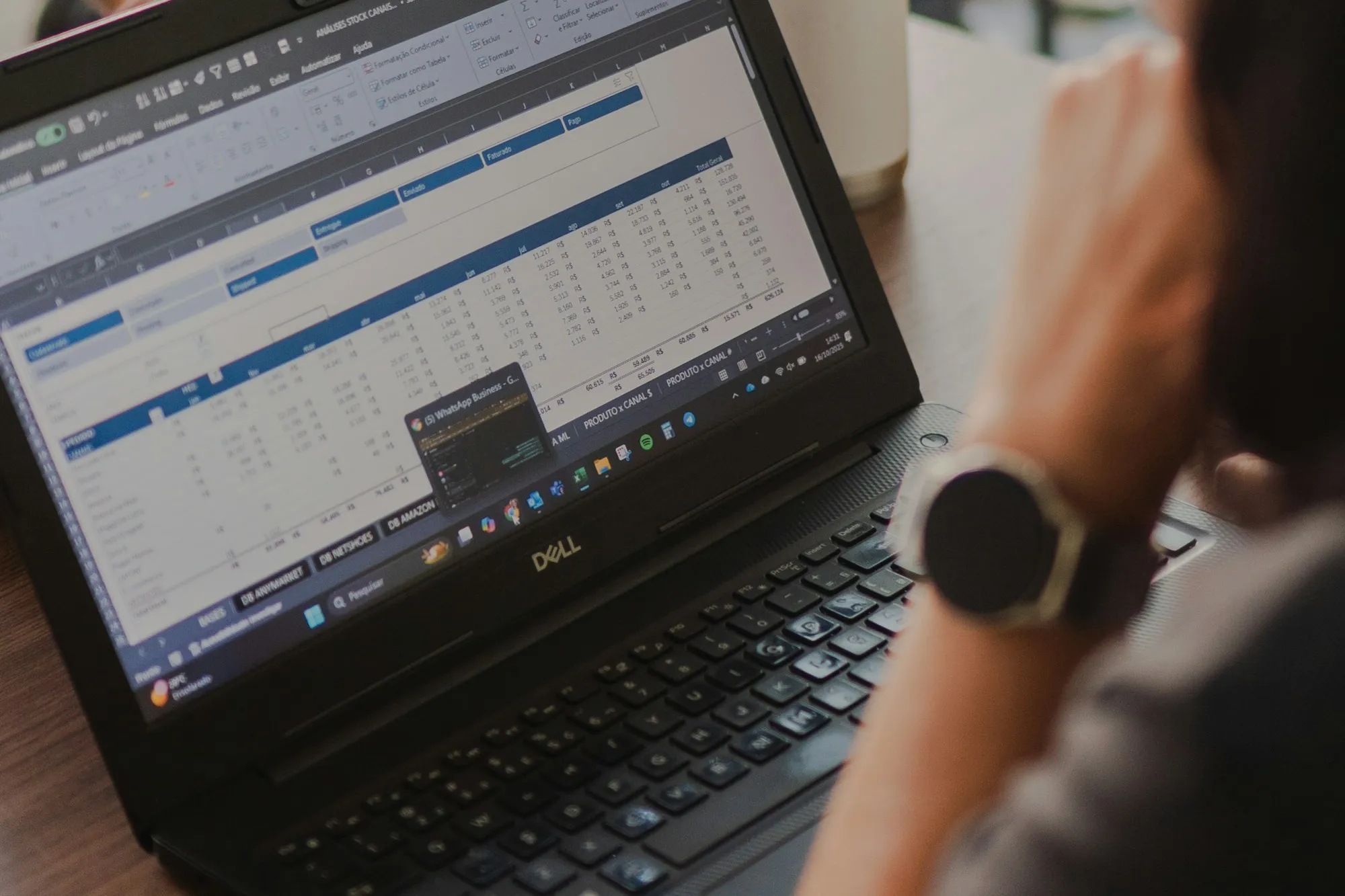
Round, consistent times almost always mean that the record was not generated at a terminal. Someone added it later, either to a paper sheet, in Excel or by manually correcting it in the system. This is typically seen in departments where attendance figures are ‘adjusted’ at the end of the month to reflect what the situation is thought to have been.
What can be done about this? Filter out manually edited records from the report and check who and which departments have the most of them. Often, this isn’t down to fraud, but to a faulty terminal, a poorly positioned scanner, or people who simply have nowhere to scan their card. This is actually good news, as it can be fixed quickly.
2. Two cards, a few seconds
One card is swiped at the terminal by the entrance, followed by a second one four seconds later. In itself, there is nothing unusual about this; people often come to work together. It starts to look suspicious when the same pair of cards appears repeatedly a few seconds apart, always in the same order, and especially on days when the second person would otherwise arrive late.
This is the most typical trace of buddy punching. One person holds two cards, taps them one after the other and walks on. We’ve explained why people do this and how much it costs the company in the article I’ll clock in for you.
What to do about it? Sort the records from each terminal by time and look for pairs of cards where less than ten seconds elapsed between them. Then count which pairs keep coming back. One match is a coincidence. Fifteen matches in a month is a habit.
3. Arrivals at the tolerance limit
Many companies have an internal tolerance for arrival times, for example five minutes. Anyone arriving by 7.05 am is considered to have arrived on time. However, if you view the arrival times in a graph broken down by the minute, you’ll notice something interesting: there are significantly more arrivals at 7.04 than at 7.03 or 7.06. People don’t arrive at random; they time their arrival so that they make it just in time.
This isn’t fraud yet; it’s actually quite rational behaviour. It becomes a warning sign when manual corrections such as ‘I forgot to clock in, I’ve been here since seven’ start piling up in this very window. Or when cards appear just before the cut-off whose owners would otherwise turn up twenty minutes later.
What to do about it? Keep an eye on two things separately. The distribution of arrival times around the tolerance limit will tell you whether people have started to treat it as the new start of the shift. Manual corrections within the same time window, on the other hand, will reveal where someone is writing in time after the fact.
4. Overtime that nobody saw
The monthly report shows an employee with twenty hours of overtime. The shift supervisor cannot recall any overtime; production did not deliver anything extra on those days, and the order was completed on schedule.
Such overtime is most often caused by late departures. Someone might linger in the changing room after their shift, finish their coffee with colleagues or wait for a lift, and clock out half an hour later. A system that merely calculates the difference between arrival and departure will dutifully turn this into overtime. In the worst case, a colleague who leaves later clocks them out.
What to do about it? Compare the reported overtime with the overtime that was actually ordered or approved. The difference between these two figures is exactly where you should be looking. And agree on a clear rule: time after the end of a shift counts as overtime only if a manager ordered it in advance or approved it afterwards.
5. Attendance records say one thing, the doors another
You get the clearest picture when you compare the attendance records with the access control system. The time and attendance system states that the employee arrived at 6.58. However, the turnstile at the gate only recorded them at 7.22. Or conversely: according to the time and attendance system, they were at work all day, yet they did not enter the hall where they work even once throughout the entire day.
Such discrepancies arise where attendance and access control are two separate worlds. Each has its own cards, its own terminals and often its own administrator. The attendance terminal is mounted in a corridor that can be accessed without passing through a turnstile, or a colleague swipes a borrowed card whilst the owner is still parking their car.
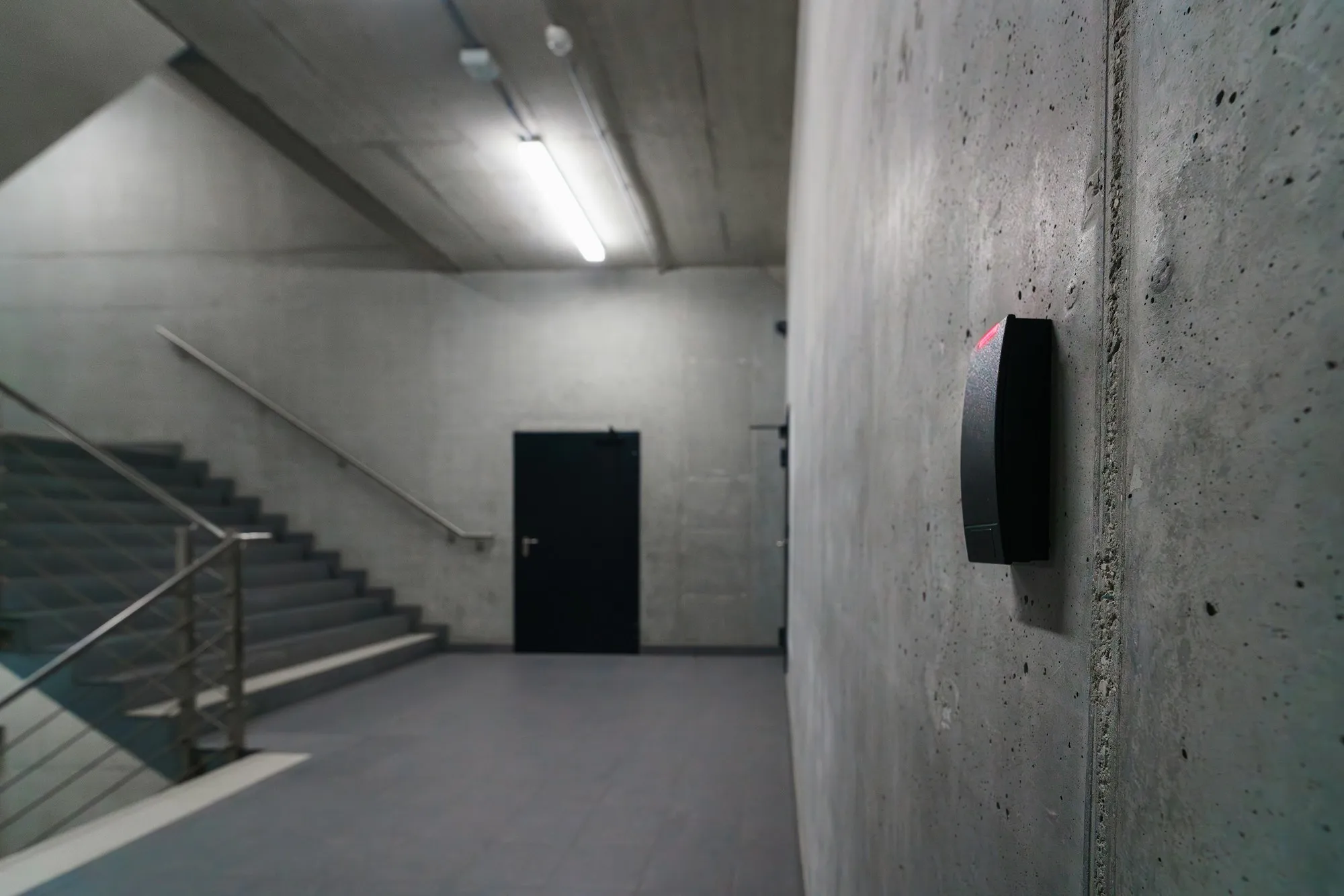
What to do about this? Match events from both systems by person and date. Look for records where attendance starts before the first door passage, and days when a passage is missing entirely. If you don’t want to do this manually every month, this is also the best argument for a single system that combines both attendance and access records.
A pattern is not proof
Two card swipes within a few seconds of each other may belong to a married couple who drive to work in the same car. A late departure may belong to someone who was genuinely finishing a job. The data will tell you where to look and who to talk to, not who is to blame.
So don’t start with disciplinary action. With buddy punching, it is often enough for people to know that it shows in the data. And if that doesn’t help, it’s worth removing the root cause: an identifier that can be lent to someone else.
If you want to analyse attendance data regularly, inform your staff in advance and explain what you are looking at and why. This is personal data, so check the procedure with your data protection officer and only work with the data you actually need to check the records.
webVisitor
How webBox handles this
In the webVisitor time and attendance system, you do not need to carry out most of these checks manually in Excel. The ‘original versus changes’ report shows which records were altered after the terminal logged them, so arrivals that run like clockwork are quick to find. You can define reports to suit your own needs and export them to Excel or PDF. The system records and evaluates regular and ordered overtime separately, and monthly attendance is approved electronically by a line manager before the payroll deadline.
webVisitor is integrated with the webPatrol access control system, so you have both attendance and access in a single interface rather than in two separate worlds. And the simplest solution is to remove the root cause: biometric terminals with facial, palm or fingerprint recognition verify the person, not the card. Clocking in for a colleague simply stops working. You can find the terminals and scanners in the hardware overview.
Did this article catch your interest?
We'll walk through your processes and show you how it would work in your company.