






Set up companies and cost centers
Every company in the group has its own cost centers, ordered from parent to child.
SUB-MODULE Holding management
Multiple companies, unlimited cost centers and unified rules in one webBox. Every manager sees exactly what belongs to them.
You build the group structure once. Rules are then inherited from the top down, and you set exceptions where they are needed.
I'm interestedSet up companies and cost centers
Every company in the group has its own cost centers, ordered from parent to child.
Set rules centrally
You set the working regime or approvals for the company, and the cost centers inherit them.
Assign access
Managers and administrators only see the records of the cost centers they have access to.
Companies and cost centers are shared across the whole of webBox, from attendance to business trips.
Who it's for
Wherever one headquarters manages multiple companies, branches or operations.
Multiple legal entities managed from one headquarters.
Many sites with a smaller number of employees at each.
Authorities and organizations with a multi-level department structure.
One team that manages the system for the entire group.
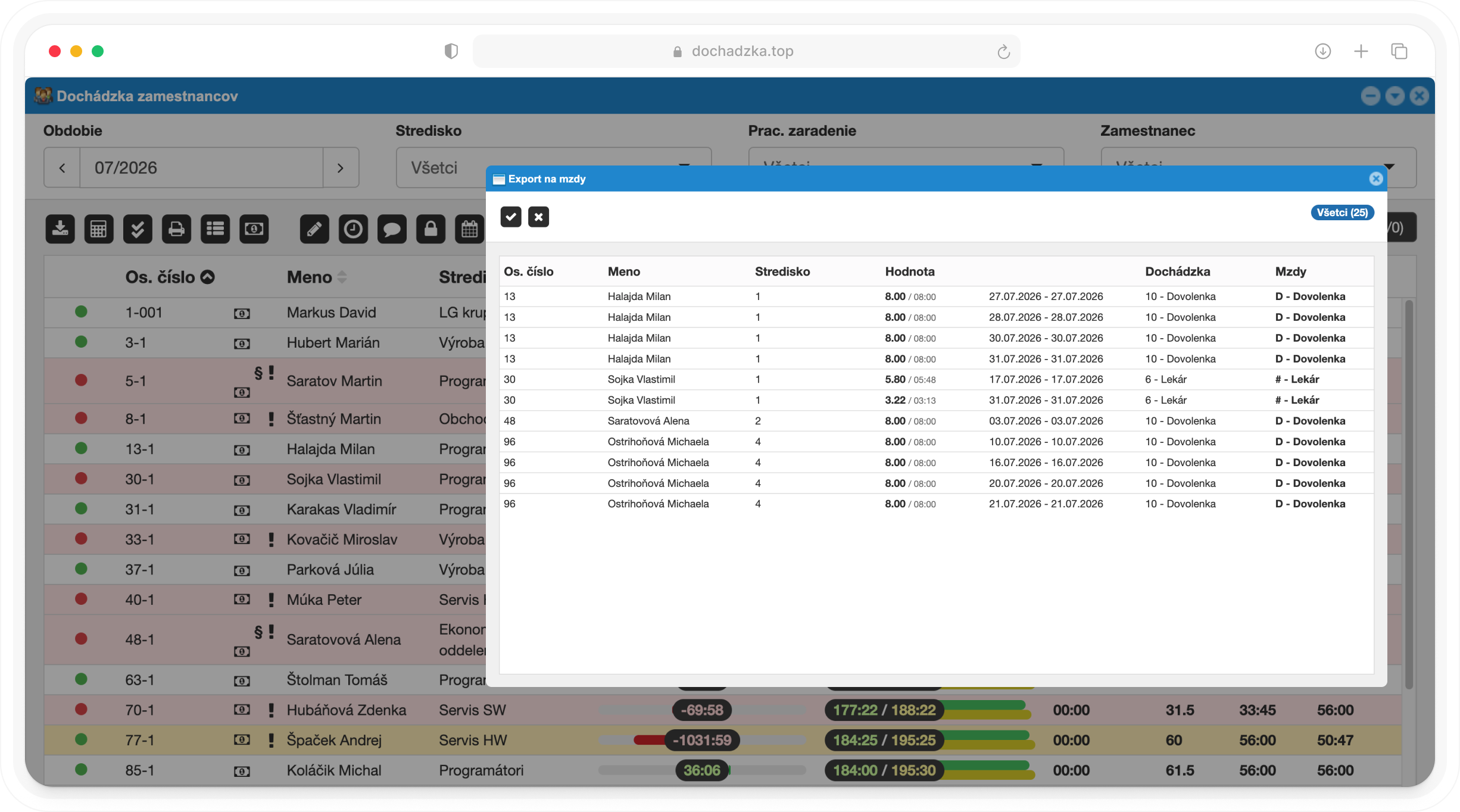
Companies and cost centers
Assign employees and cost centers to a specific company in the group.
Parent and child cost centers exactly matching your organization.
Company, cost center and employee. The most specific setting always applies.
Save a change for several selected cost centers or employees at once.
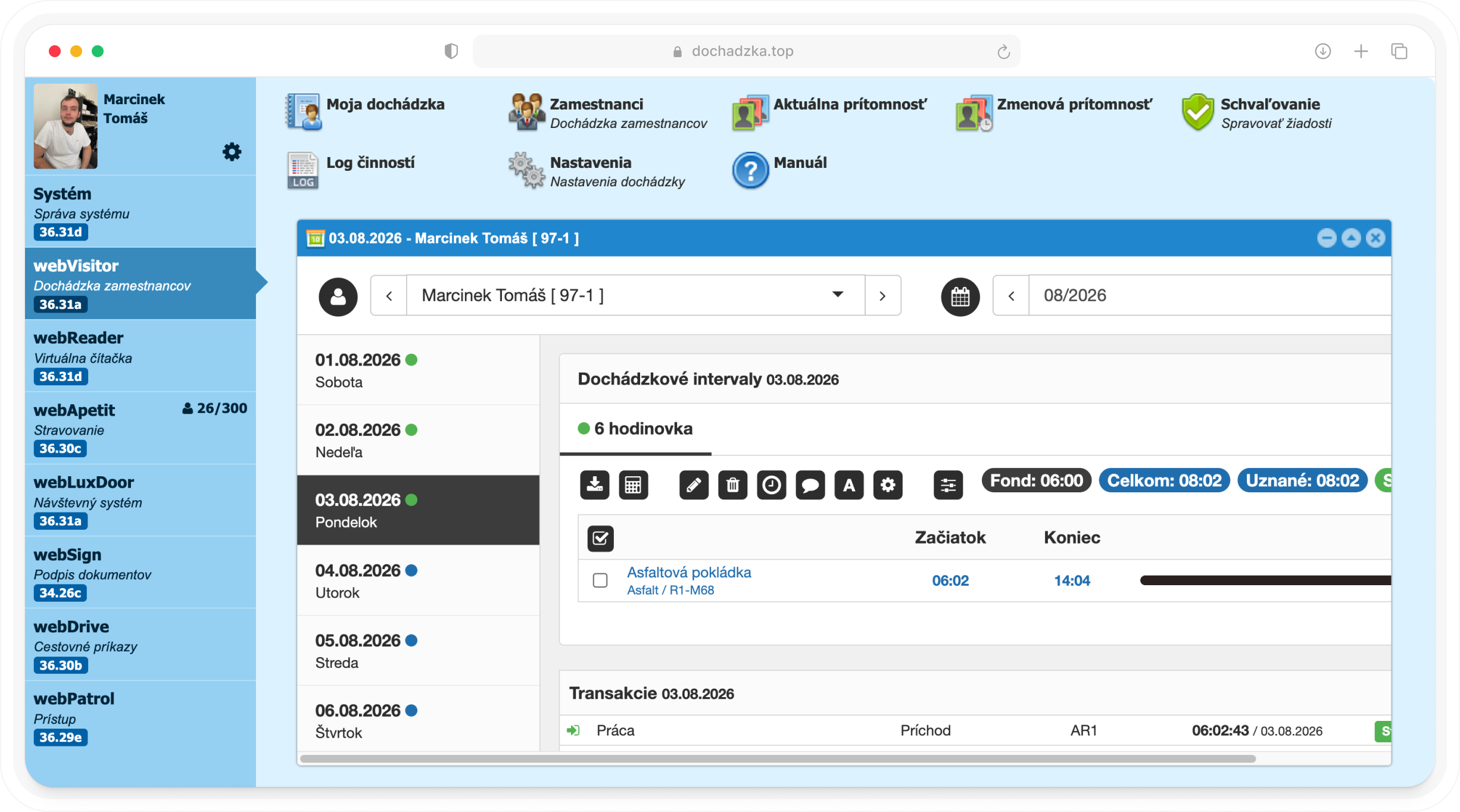
Access and security
Users only work with records of their assigned cost centers and their sub-centers.
Roles for administrators, managers and approvers across the entire group.
Single sign-on via a Microsoft account for all employees.
Changes to settings, access and permissions are logged.
Key benefits
Three reasons to manage the entire group in one system.
The same settings for the whole group, with exceptions only where they make sense.
Every manager only sees their own cost centers, not the whole group.
One webBox for all companies instead of several installations.
Company list in one webBox system
Assignment of employees and cost centers to a company
Unlimited number of cost centers with a hierarchy
Settings for the company, cost center and employee
Bulk settings for several cost centers at once
Access to records by cost center and sub-center
Permission groups and roles
Sign-in via a Microsoft account (OAuth 2.0)
Current presence filtered by cost center
Activity log for changes to settings and access
Overview of used and purchased licences
Deployment in the cloud or on your own server
We'll show you group management on your own structure and propose a setup tailored to your holding.
Cookie consent
We use essential cookies to run the website and, with your consent, analytics and marketing cookies (Google Analytics, Meta Pixel) to learn how to improve it. More in our privacy policy.
