






The employee submits a request
They send a travel order or vacation request for approval with a single button.
SUB-MODULE Document approval
Travel orders, vacation requests and monthly attendance approved online. Every step is recorded, with the approver's name and a note.
The document travels on its own from the employee through the approvers to closure. Nobody has to carry it from office to office.
I'm interestedThe employee submits a request
They send a travel order or vacation request for approval with a single button.
The approver decides
They receive an email with a link. They approve, reject or return it for changes.
The system closes the document
An approved vacation is automatically entered into attendance, and the order moves to the next step.
Approval works in both webVisitor attendance and webDrive business trips.
Document types
Documents and requests that today travel on paper or by email.
Before, during and after the trip, including attached receipts.
Vacations and other interruptions by type from attendance.
The manager approves the month before the close and handover to payroll.
Receipts and invoices attached to the travel order costs.
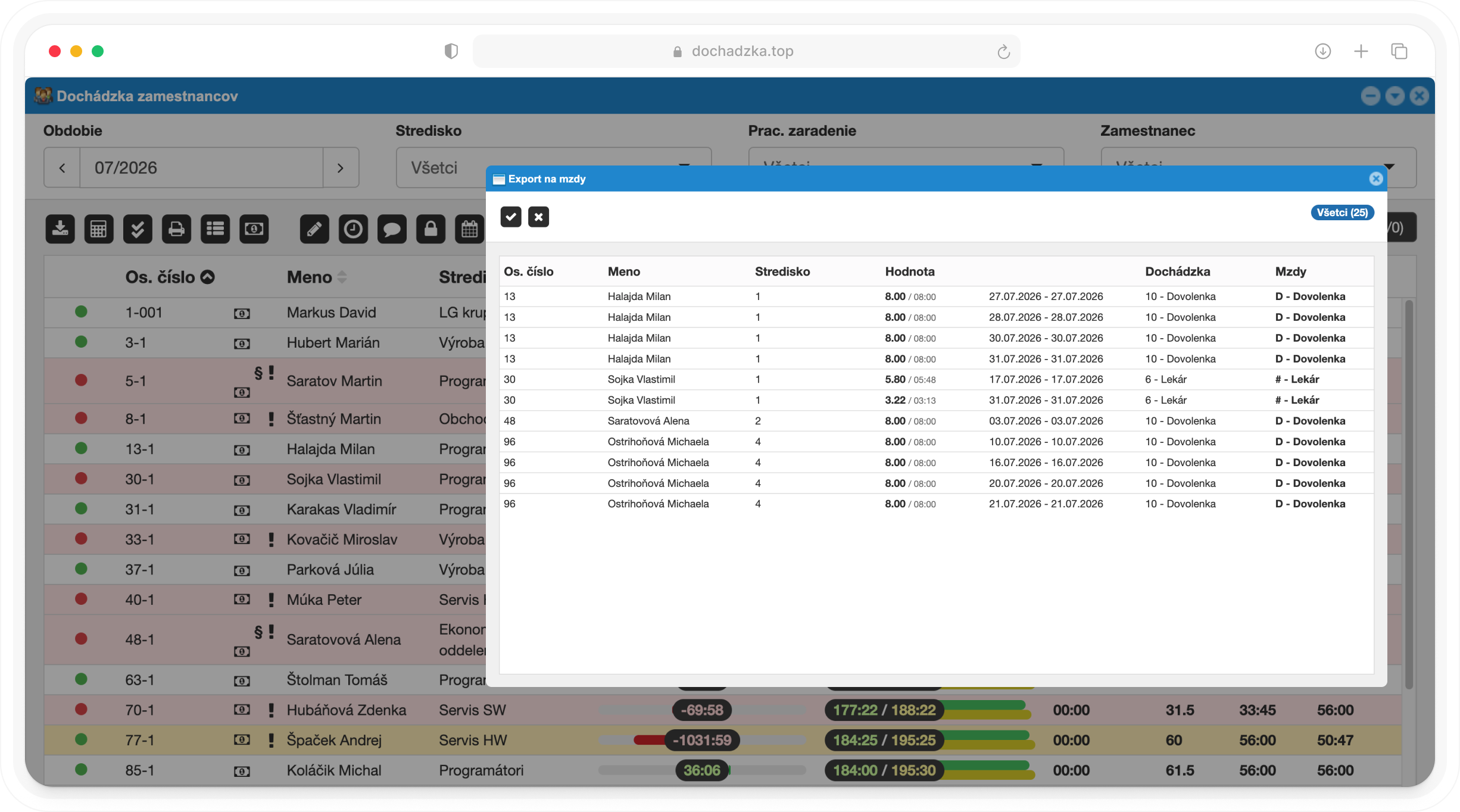
Approval workflows
Manager, accountant and financial controller, before, during or after the trip.
Managers, HR, general managers, accountants, controllers and reception.
Set the workflow for the whole company, with exceptions for cost centers or employees.
Approve only selected days of a vacation request.
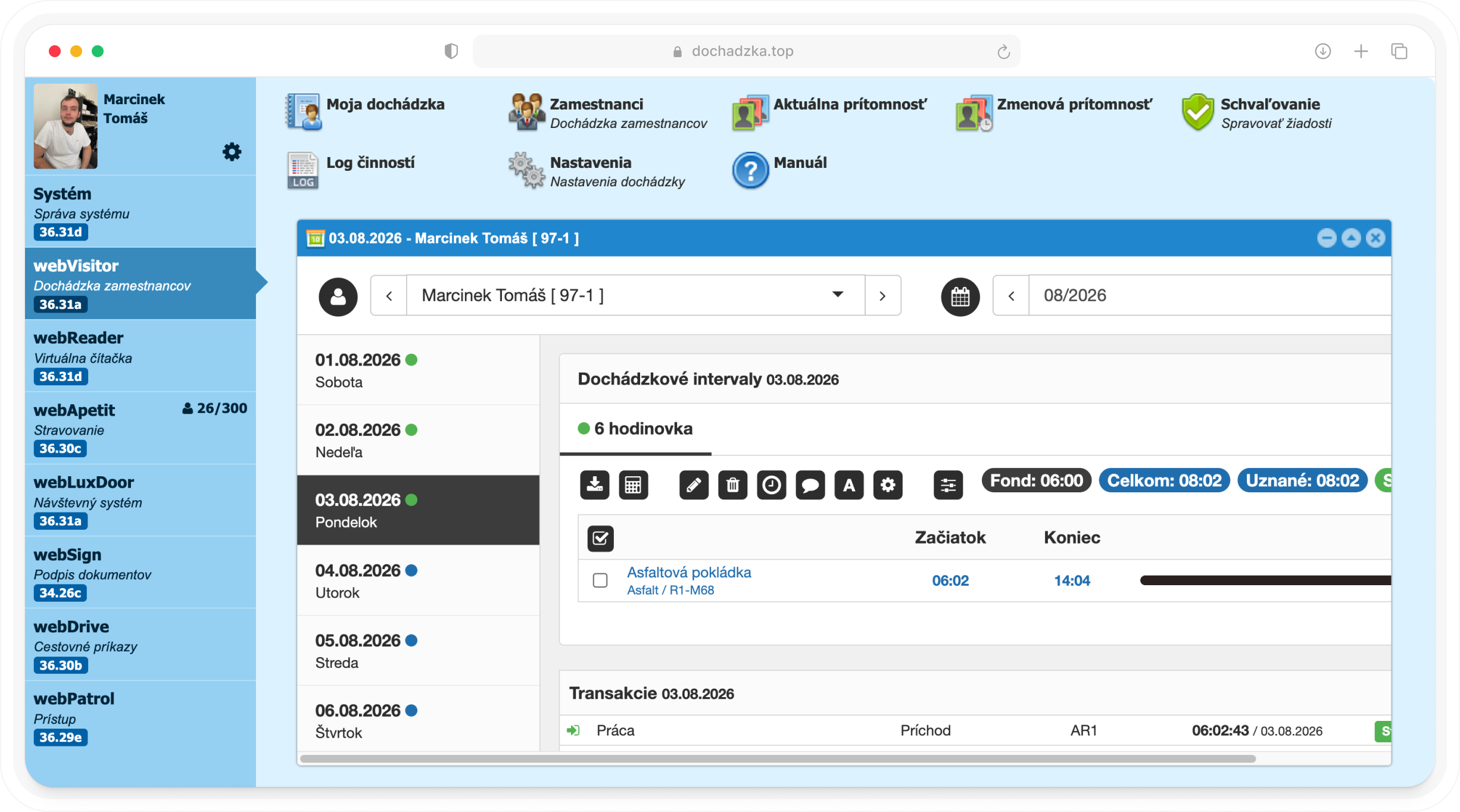
Control and history
The approver decides from the notification, and the employee receives a confirmation.
All steps with the approvers and their notes in one place.
New, seen, processed and cancelled requests by cost center or employee.
The complete travel order in read-only mode, with a print option.
Key benefits
Three reasons to stop chasing signatures on paper.
The approver responds from email, even when out of the office.
You know who approved the document, when and with what note.
An approved vacation goes straight into attendance, with no further entry.
Sending a travel order for approval with a single button
Order statuses: in progress, awaiting approval, completed
Six types of approval workflows for business trips
Approver groups, including accountants and financial controllers
Workflow settings for the company, cost center and employee
Email notification with a link for the approver
Interruption and vacation requests in webVisitor attendance
Full or partial approval, or rejection of a request
Automatic entry of approved interruptions into attendance
Approval of monthly attendance and the monthly close
Receipts attached to travel order costs
Travel order printing and read-only preview
We'll show you approval on your own workflows and propose a setup tailored to your company.
Cookie consent
We use essential cookies to run the website and, with your consent, analytics and marketing cookies (Google Analytics, Meta Pixel) to learn how to improve it. More in our privacy policy.
