






Set up jobs
Create a job list for employees to choose from.
SUB-MODULE Job tracking
Employees assign their working time to a specific job right when they clock in. Business trips and vehicle trips are linked to the same job.
Jobs are not another standalone system. They work directly within the attendance and business trip modules you already use.
I'm interestedSet up jobs
Create a job list for employees to choose from.
Record time against a job
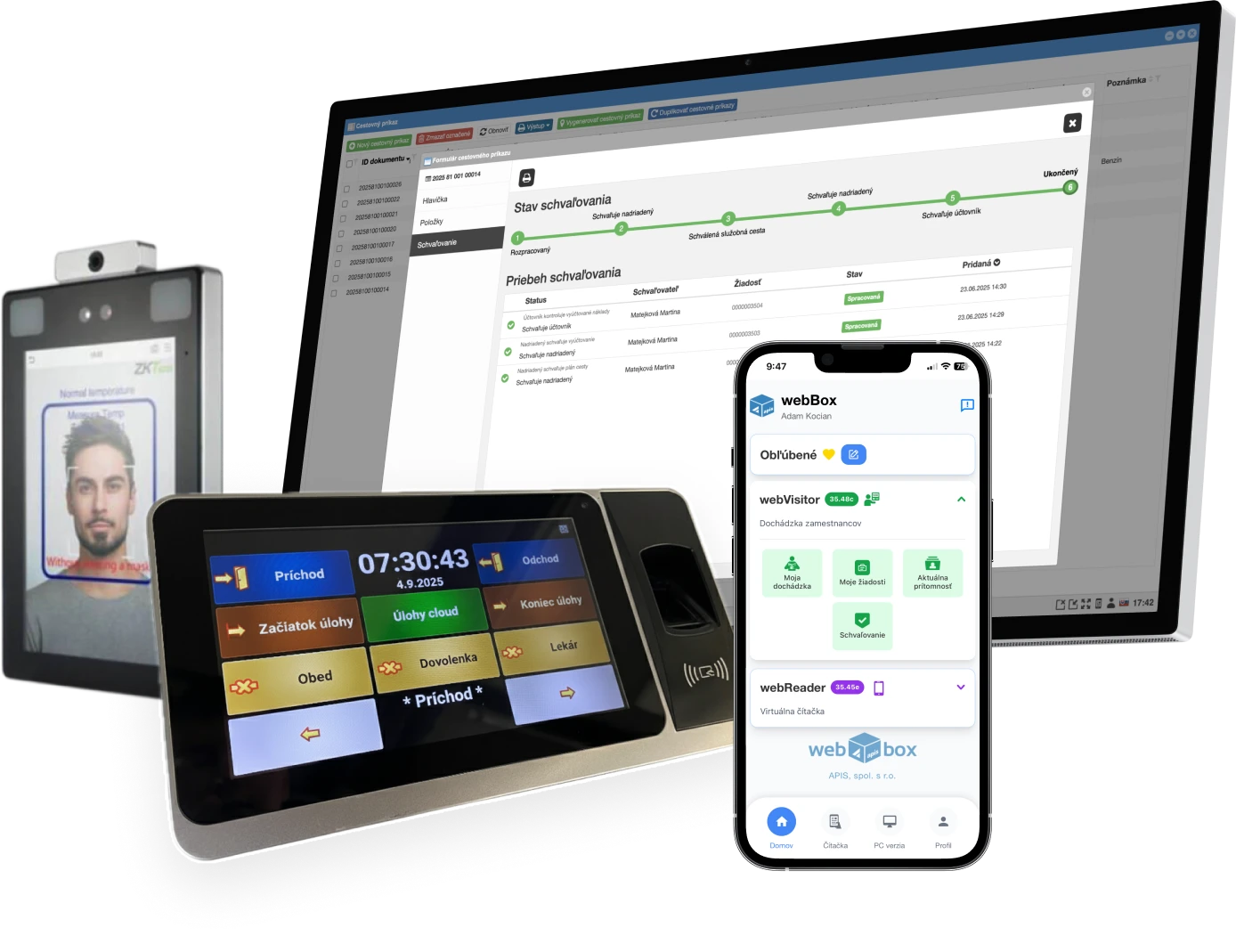
When clocking in via webReader, the employee selects the job they are currently working on.
Assign trips and journeys
Link both the travel order and the logbook trip to the same job.
Jobs extend webVisitor attendance and webDrive business trips.
Who it's for
Wherever you need to know what the working time was spent on.
Hours worked broken down by individual sites and jobs.
Technicians record time at the customer's site directly from their smartphone.
An overview of the time the team spent on individual projects.
Business trips and vehicle trips assigned to the job they were made for.
Attendance and webReader
The employee records working time against a specific project or job.
Clocking via a browser on a computer, smartphone or tablet, with no installation.
Optionally, a photo is saved with the record for later verification.
The date and time of the entry come from the server, the employee can't change them.
webVisitor attendance
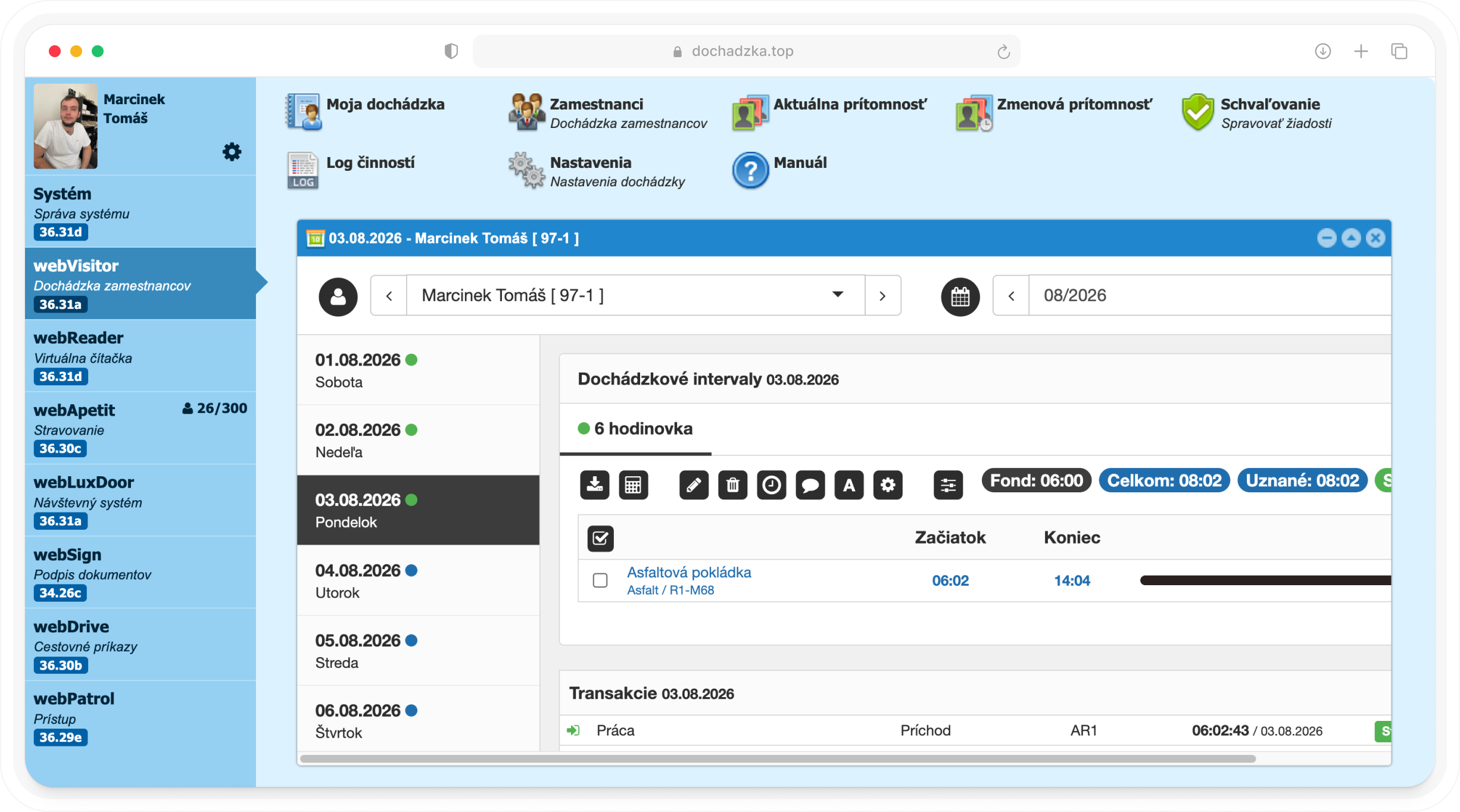
You record time spent on orders in the same system as clock-ins and clock-outs.
An overview of how much time was spent on each order and who worked on it.
Managers can only view records for their own centres and teams.
In ‘webDrive’, you can link a travel order and a journey to the same order.
Key benefits
Three reasons to track work by job.
Working time is no longer just a number in attendance, it has its own job.
For your next quote, you know how much work and travel a similar job cost.
You select the job right when clocking in or recording a trip, not in yet another spreadsheet.
Job list in the webBox system
Recording of working time on a project or job
Clocking via webReader on PC, smartphone and tablet
Optional photo when clocking in for later verification
Date and time of the entry from the server, with no option to edit
Direct connection to webVisitor attendance
Travel order linked to a job in webDrive
Job assignment for every trip in the logbook
Job as a mandatory field
Job search in several ways
We'll show you job tracking on your own scenarios and propose a setup tailored to your company.
Cookie consent
We use essential cookies to run the website and, with your consent, analytics and marketing cookies (Google Analytics, Meta Pixel) to learn how to improve it. More in our privacy policy.
